
What you are buying
This guide explains one catalog product: Inventory Software on Fah Swe App Loan. The official page is https://fahswe.com/loan/inventory-software-loan. It is the same loan catalog as Voice Party, Cat Stream, and CPE FS. It is not a separate store, not App Rent, and not a custom New development order.
Inventory Software is a web application. You open it in a browser. The business uses an admin panel. Clients use a client area. Both logins share one system for products, warehouses, purchases, sales, and the quantity on hand.
Who this product is for
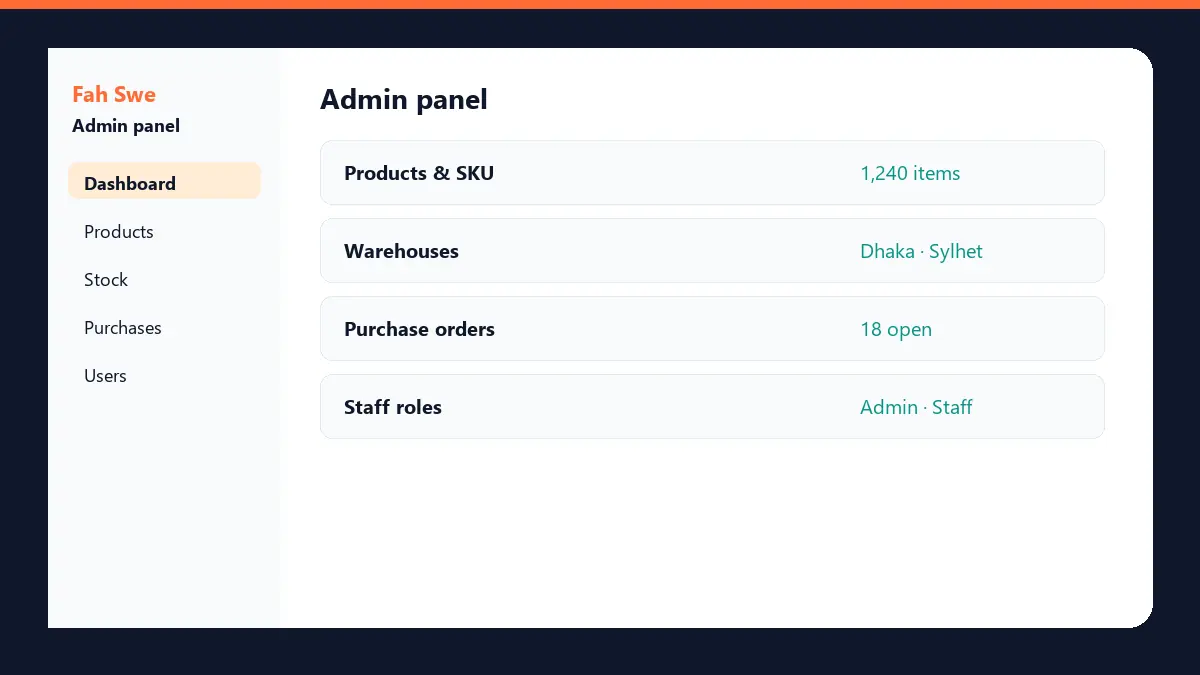
Use it if you run a shop, warehouse, or distributor and you want software instead of a spreadsheet. The owner and staff work in the admin panel. A customer or a branch uses the client area to place an order, send a stock request, and view invoices. You do not buy two products. Admin and client are two logins inside this one web application.
The price on the loan page
The catalog price is fixed by Fah Swe. A client cannot type a different total, advance, or monthly amount. Total price: 1,500 USD. Advance: 450 USD, paid when you apply. Monthly due: 105 USD for 10 months (1,050 USD). Check: 450 + 105 × 10 = 1,500. The price is stored in USD. Fah Swe converts it to BDT with the site rate (1 USD = ৳122), so 1,500 USD displays as ৳183,000. If those numbers ever change in the admin loan catalog, the product page is the source of truth — this article matches the catalog as published on 28 September 2026.
What the admin panel does
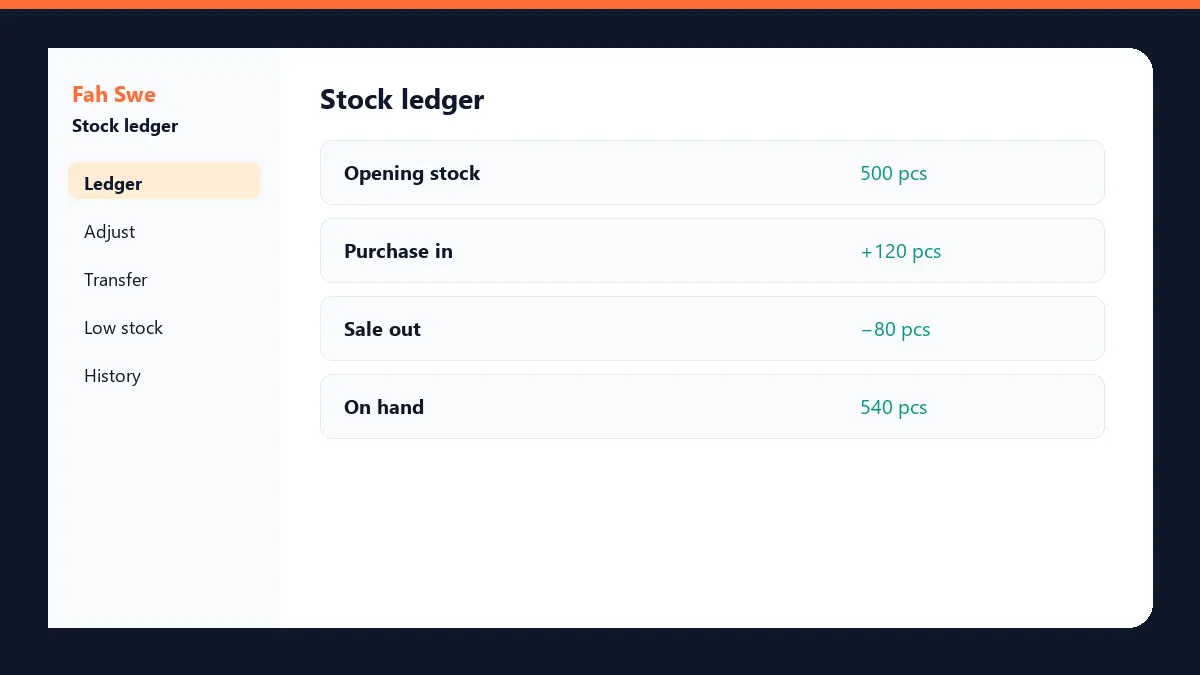
The admin panel is the business control room. Staff add products and SKUs, set warehouses, record purchase orders, adjust stock, and manage users. Roles decide who can change stock and who can only read reports. Low-stock alerts show items that need a purchase. The owner sees opening stock, stock in, stock out, and quantity on hand.
What the client area does
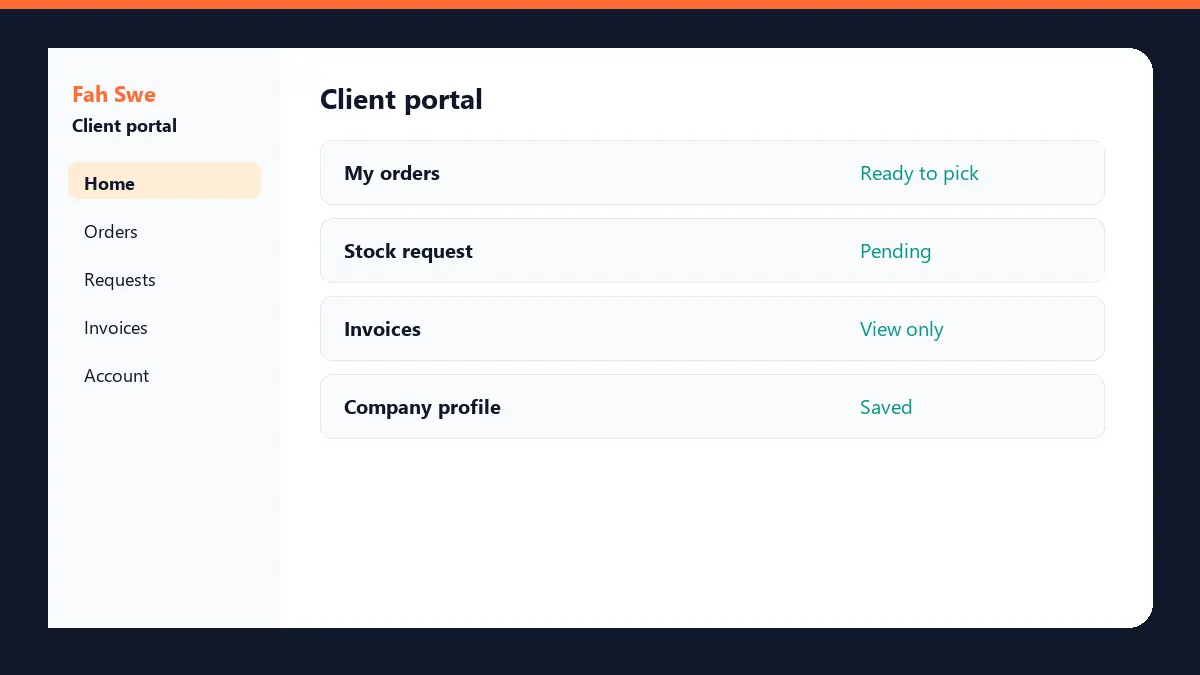
The client area is the other login in the same web application. A client can place an order, send a stock request, and view invoices. A client cannot edit warehouse quantities or staff roles. Those actions stay in the admin panel. Order status is visible so the client is not waiting on a chat message for a stock answer.
Reports included
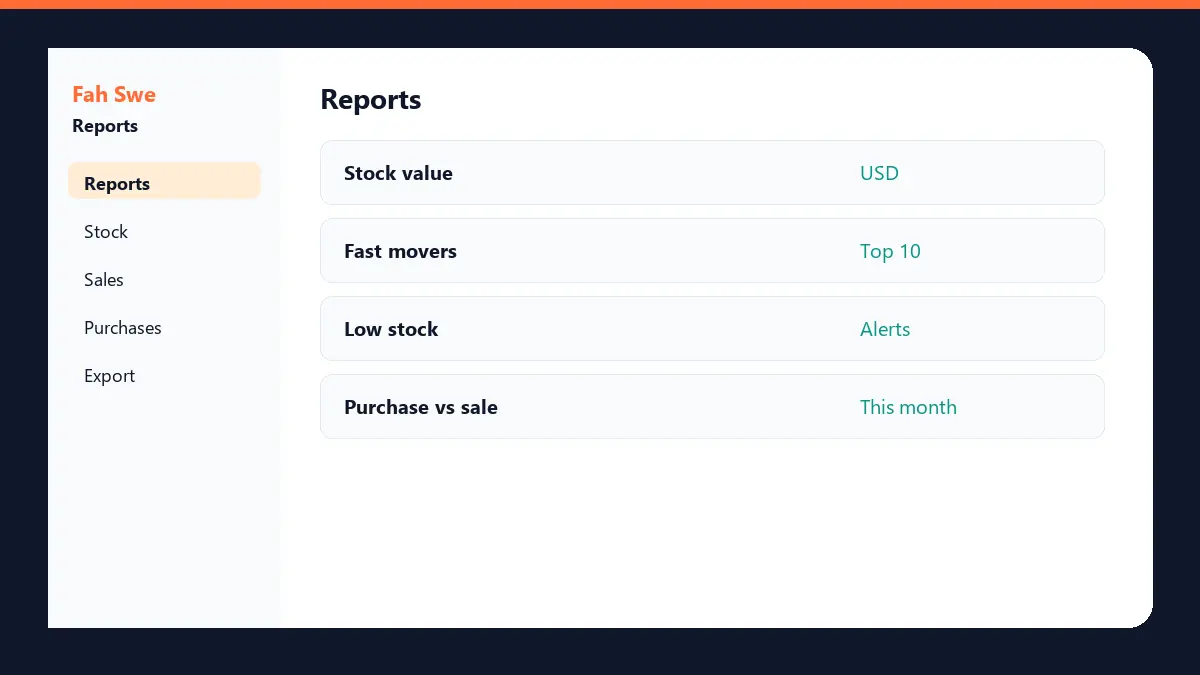
Reports cover stock value, fast-moving items, low-stock alerts, and purchase versus sale for the month. They read the same ledger as the admin panel. Export and extra factory modules that are not drawn on the product page are not included in the 1,500 USD loan.
What is included and what is extra
Included: the web application described on the loan page — admin panel, client area, stock ledger, and the reports in the diagrams. Not included: a feature that is not listed, a separate mobile app store build, a new payment gateway, or a custom factory workflow. Extra work is a separate Fah Swe quote. That is the same rule on every Fah Swe loan product.
How to buy — step by step
Step 1. Open https://fahswe.com/loan/inventory-software-loan and read the admin panel, client area, stock ledger, and reports. Step 2. Create a Fah Swe client account or log in. Step 3. Apply on that product page. Enter your app name, package name, logo, and company address. The price is already the catalog price. Do not send a different amount. Step 4. Pay the 450 USD advance. If you pay from the Fah Swe wallet, that advance is collected when you apply. If you pay by bKash, bank, Binance, PayPal, or Google Pay, the advance stays unpaid until Fah Swe confirms your proof. On a BDT invoice the site converts the USD amount automatically. Step 5. Complete KYC and sign the contract when the client portal asks. Step 6. Pay 105 USD each month from My Loans for 10 months. Step 7. After the advance and all 10 months are paid, Fah Swe delivers the full source and admin access.
Payment rules you should expect
The advance is not the full software. Source delivery happens after the loan is fully paid, not on the day you pay 450 USD. A missed monthly due can pause progress until that due is settled. Pay only through your Fah Swe invoice. Do not send the loan money to a personal number that is not on the invoice.
How this differs from other Fah Swe products
App Rent (/rent) is a monthly rental. You do not get this inventory source from a rent plan. New development is a custom quote that Fah Swe locks after you describe scope. This inventory loan is a ready catalog SKU with a published price. Digital products are a different checkout. If you need a module that is not on the inventory page, ask for a development quote instead of changing the loan price yourself.
FAQ
Q: Is the admin panel a separate product? A: No. The admin panel and the client area are two logins in one web application. Q: Can I choose my own price? A: No. The loan page sets 1,500 USD total, 450 USD advance, and 105 USD × 10 months. BDT amounts are converted from those USD figures. Q: When do I receive the source code? A: After the advance and every monthly due are paid and Fah Swe marks the loan complete. Q: Are the pictures live screenshots? A: They are optimized product diagrams of the included screens, published as WebP so the page stays light. Q: Is there a Bangla guide? A: Yes. Read https://fahswe.com/blog/how-to-buy-inventory-software-loan-bn.
Next step
Open the loan product, confirm the price, and apply from your own client account: https://fahswe.com/loan/inventory-software-loan. Questions go to info@fahswe.com or a Support ticket. Fah Swe is a software company in Sylhet, Bangladesh, and this inventory loan is sold on fahswe.com like the other catalog loans.