
01 / ডেলিভারি
কাজের বিবরণ ও ডেলিভারি
ডেলিভারি রিপোর্ট, সর্বশেষ কারেকশন ও কাজের রেফারেন্স এক জায়গায়।
Fah Swe
Final delivery report
Fah Swe · Feature development
Uttara Technical Institute — Feature Development & Management System Enhancements
Fah Swe’s feature-development delivery for Nasir Uddin and Uttara Technical Institute.
Development and production deployment completed; prepared for client acceptance testing and handover.
This release extends the institute’s existing learning-management platform. It covers twelve agreed enhancement workstreams across student identification, academic operations, teacher salary, editable admission and course content, payment verification, records and transactional notifications. The original platform was delivered under the earlier Project #9.
01 / Delivered feature
Student Identification and Admission Records
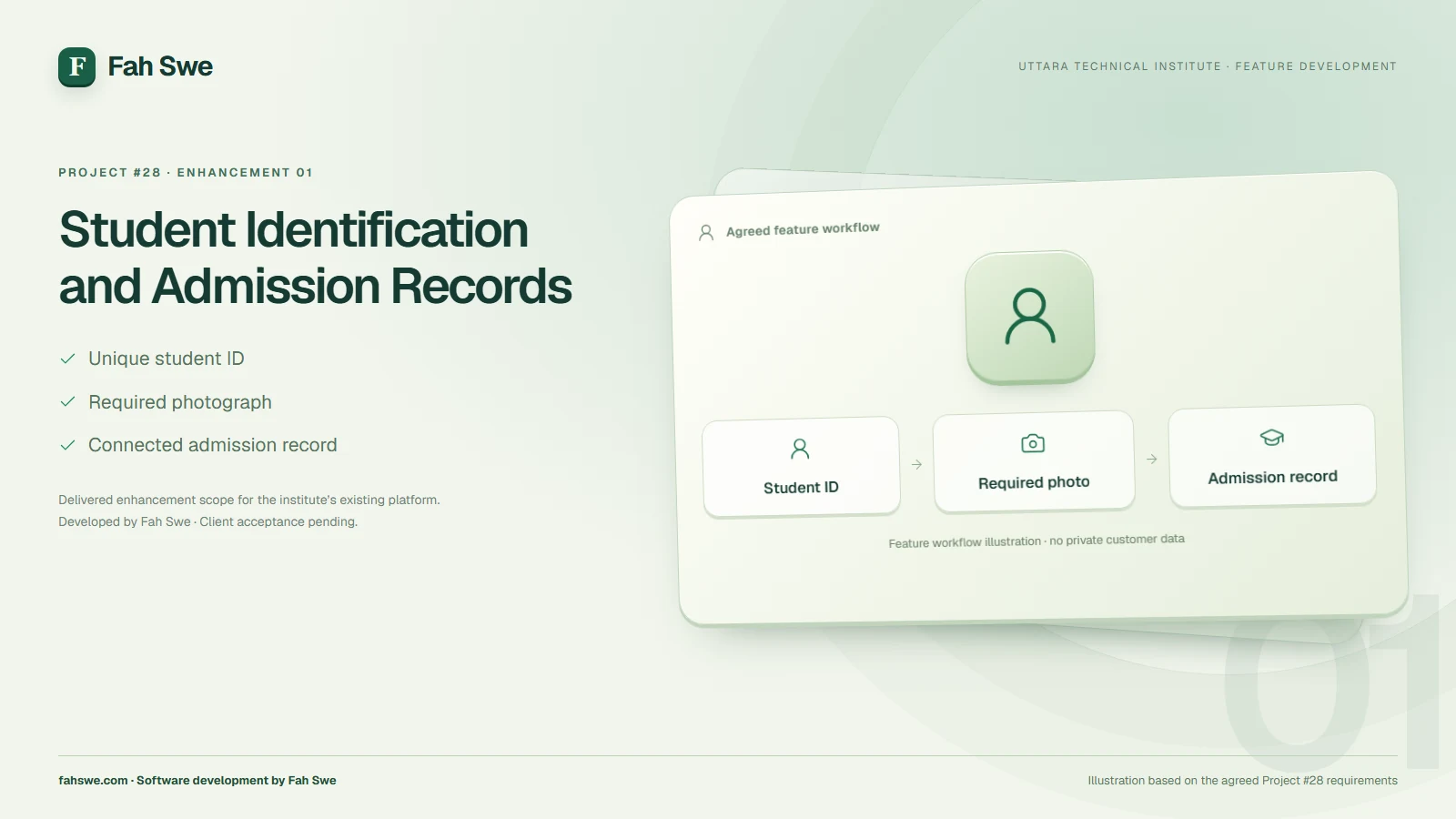
The admission improvements cover unique student identification and a required student photograph. These changes give the institute a clearer identity record when reviewing applications, maintaining student profiles and locating the correct learner’s academic information.
The enhancements integrate with the platform’s existing registration and admission process. Course and batch selections remain associated with the relevant application and enrollment. The enhancements connect to the existing Student accounts, dashboards, course histories, homework and fee information.
02 / Delivered feature
Teacher Salary Management and Salary History
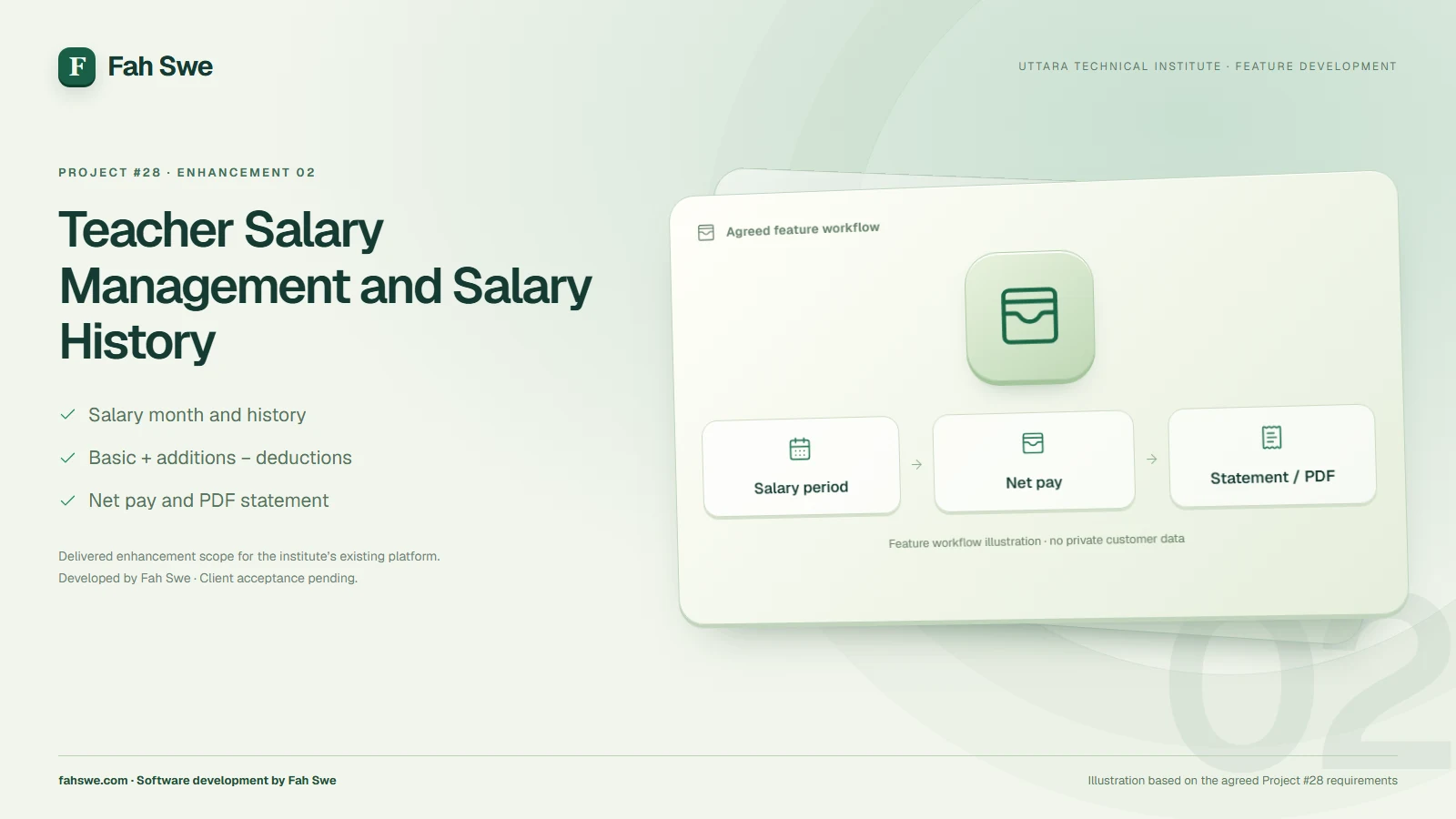
The salary work introduces a structured way for authorized administration to record teacher payments and retain their history. The agreed record includes the salary month, applicable teacher or batch context, basic salary, additions or bonus, deductions, net pay, payment date and payment method.
Salary statements and receipt/PDF functionality support a clearer payment record for administration and the teacher’s own salary-history view. Institute identity, the relevant salary period and authorized approval information belong on the statement. These records complement the existing Teacher workspace for assigned classes, attendance and academic tasks.
03 / Delivered feature
Batch Completion, Attendance and Class Schedules
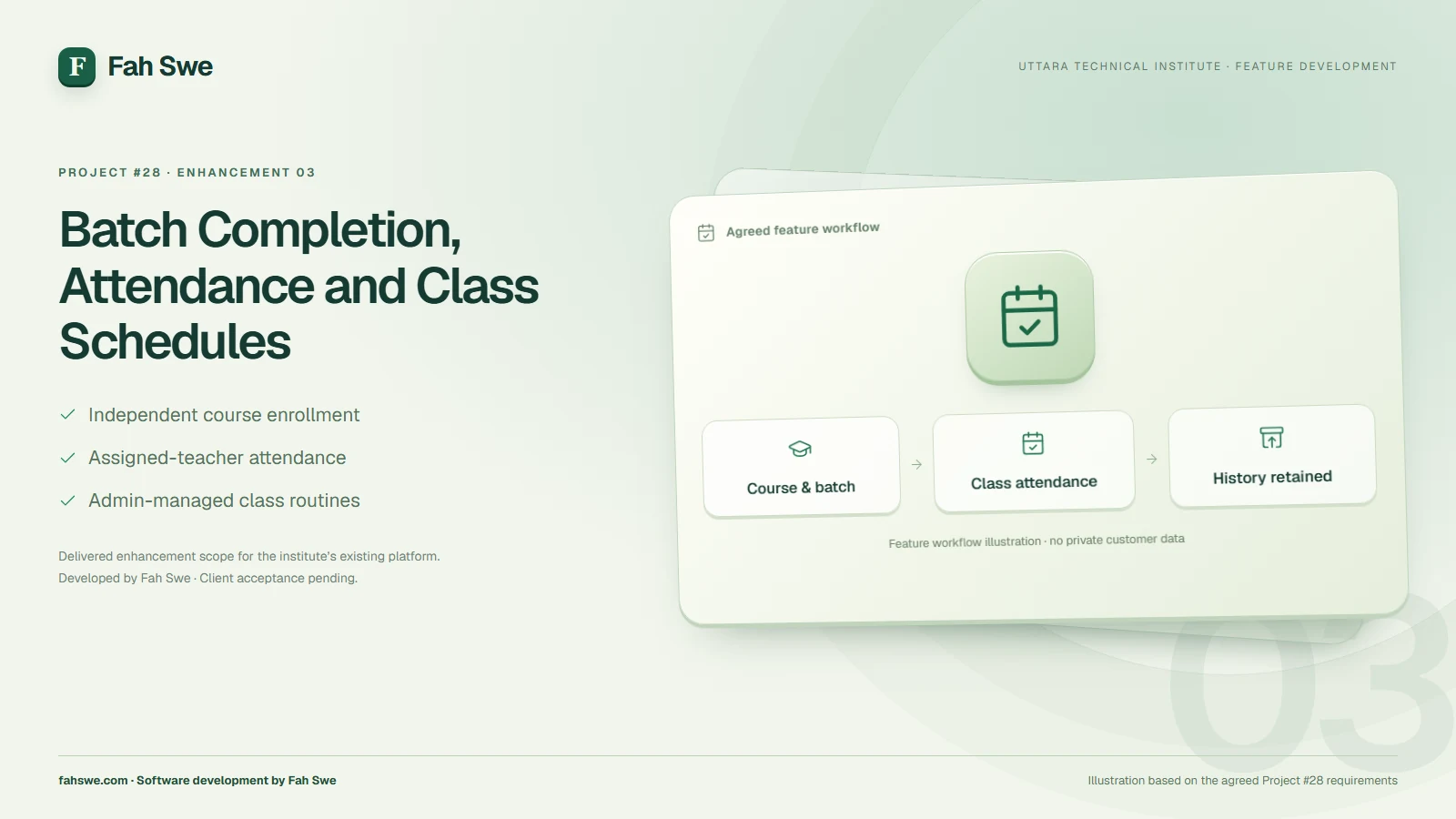
Batch completion is handled at the appropriate batch and enrollment level. Completing one batch must preserve its academic history and must not remove the learner’s account or prematurely complete another active course enrollment.
The attendance work addresses scheduled classes across courses, including the issue raised for English Spoken alongside Basic Computer. Assigned teachers should be able to access the relevant class attendance workflow, while students retain access to the academic information applicable to their own batches.
Admin-managed class routines and schedules reduce the need for a developer to make ordinary timetable changes. Batch completion, future admission into a completed batch and the treatment of further academic activity remain subject to the institute’s authorized operating rules.
04 / Delivered feature
Notices, Images, PDFs and File Attachments
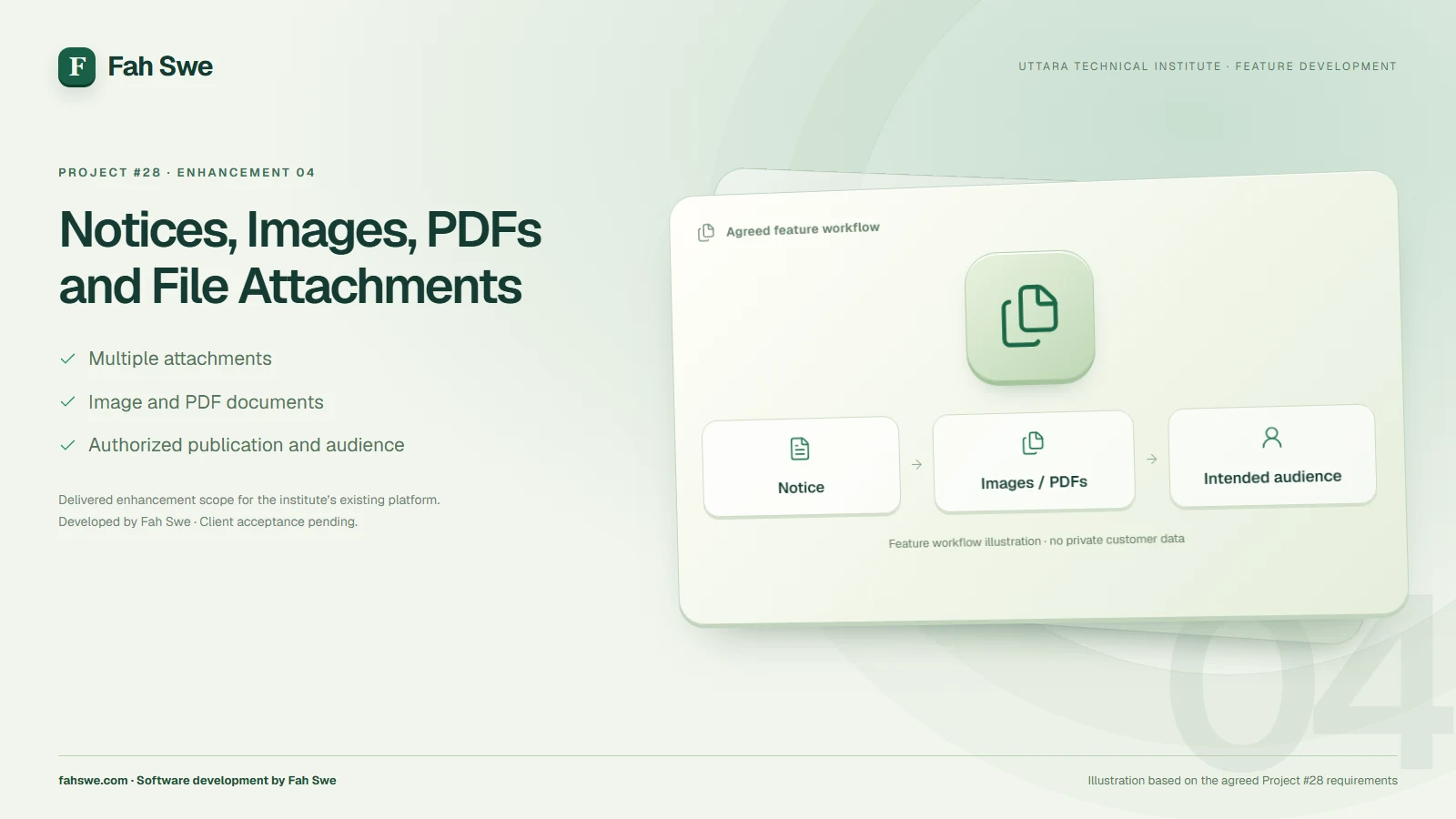
Notice management now forms part of the enhanced publishing workflow, with text, images, PDF documents and multiple-file attachment requirements covered by the agreed delivery. Authorized staff can maintain notices and their publication state, while the intended audience can view the relevant published information and permitted attachments.
This gives academic and administrative announcements a more useful presentation than text alone. Institute staff should confirm the intended public or student audience whenever publishing an attachment.
05 / Delivered feature
Content Cleanup and Record Preservation
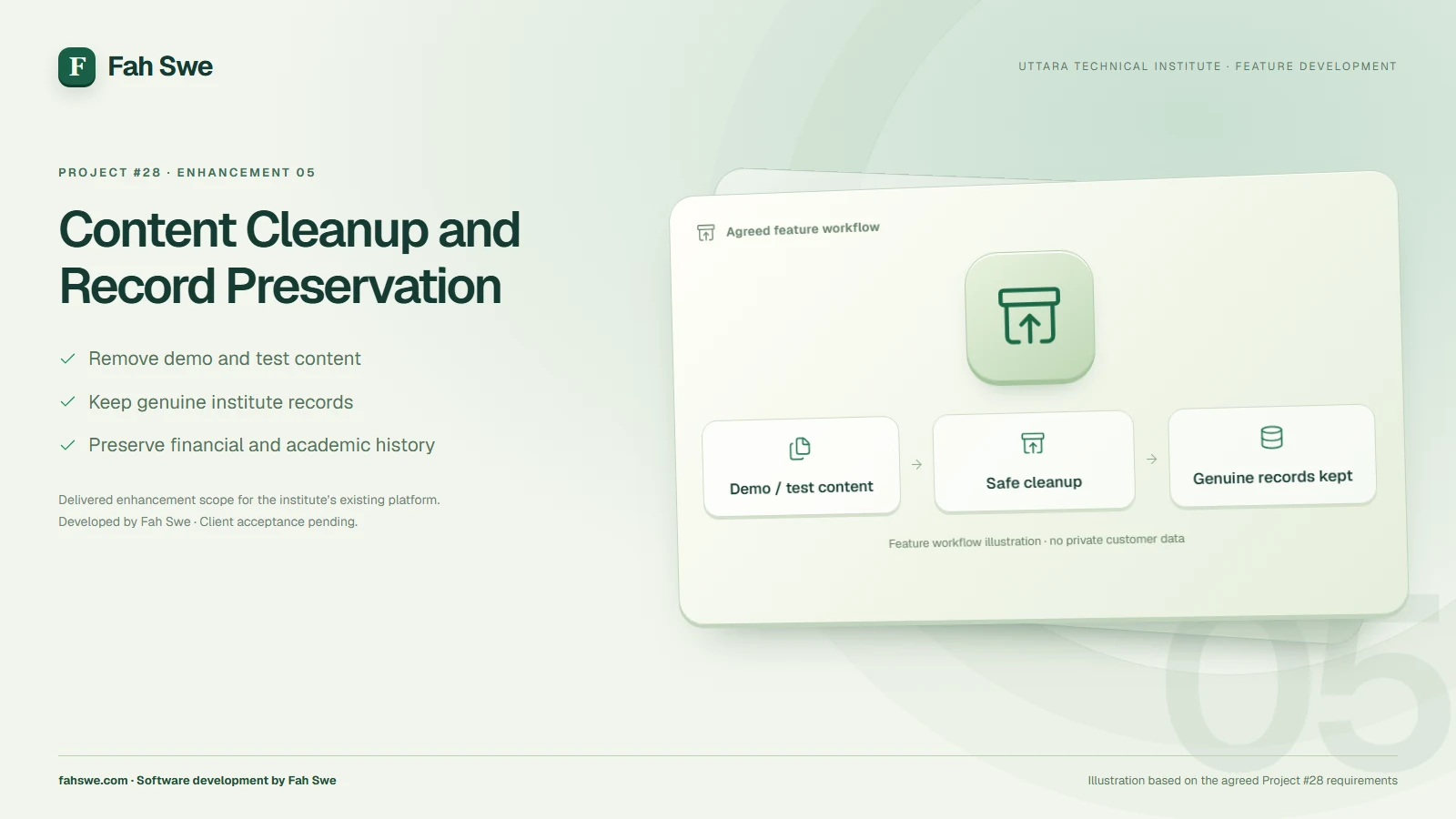
The cleanup workstream targets obsolete demonstration material, test links and unnecessary sample content. Its governing requirement is to preserve genuine admission applications, Student accounts, payment records, invoices, attendance, homework and academic history.
The final content review belongs in handover: institute staff can confirm which remaining notices, articles, images and program information should be publicly visible.
06 / Delivered feature
Website Layout, Spacing and Responsive Corrections
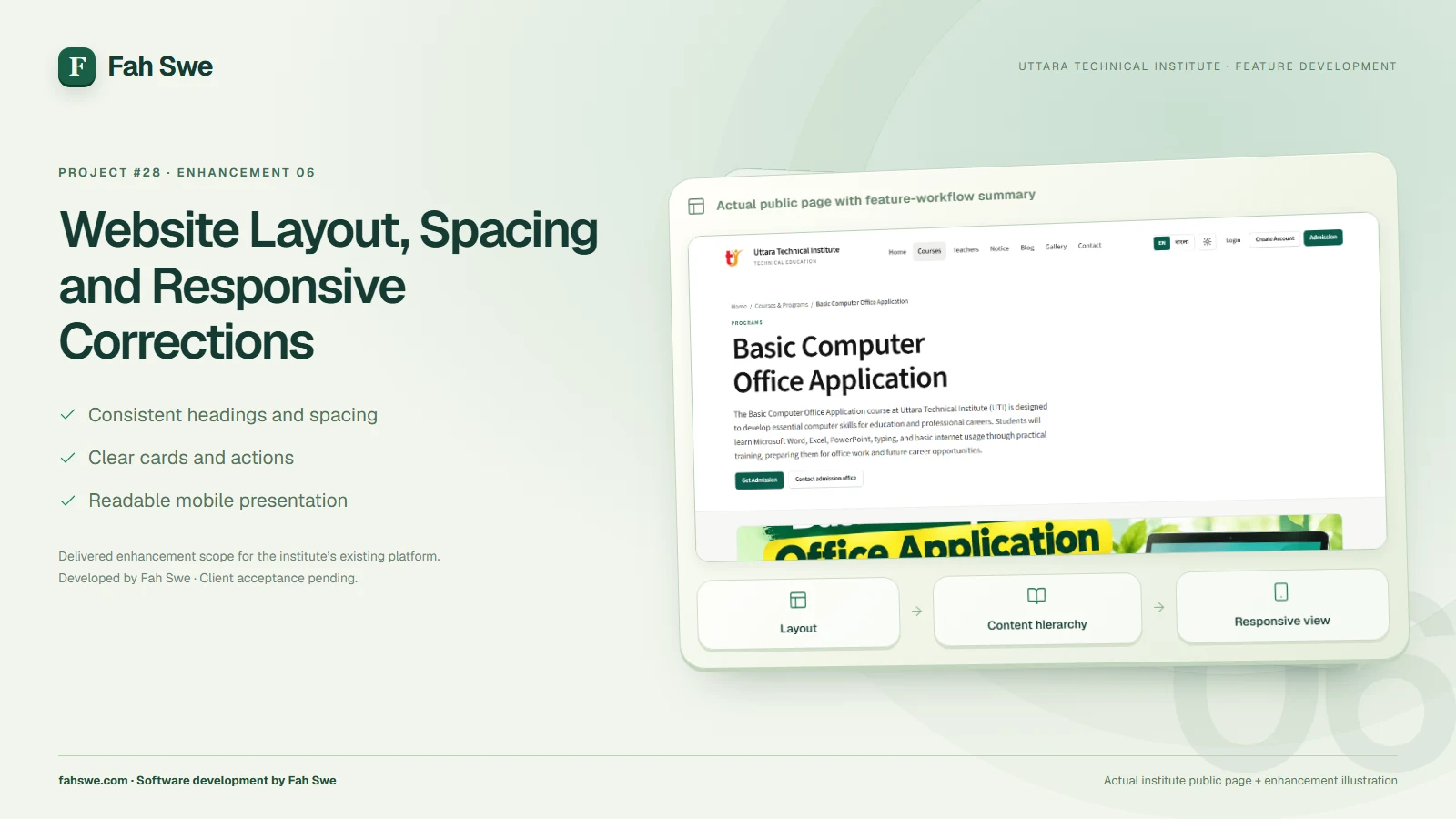
The presentation work brings headings, cards, buttons, image proportions and section spacing into a more consistent layout. The public home, admission and course pages provide the reference for the website’s visual language.
Responsive corrections focus on readable content and usable navigation across smaller and larger screens. The intended outcome is a more compact, coherent experience without unnecessary gaps, clipped information or inconsistent alignment.
07 / Delivered feature
Editable Admission Information
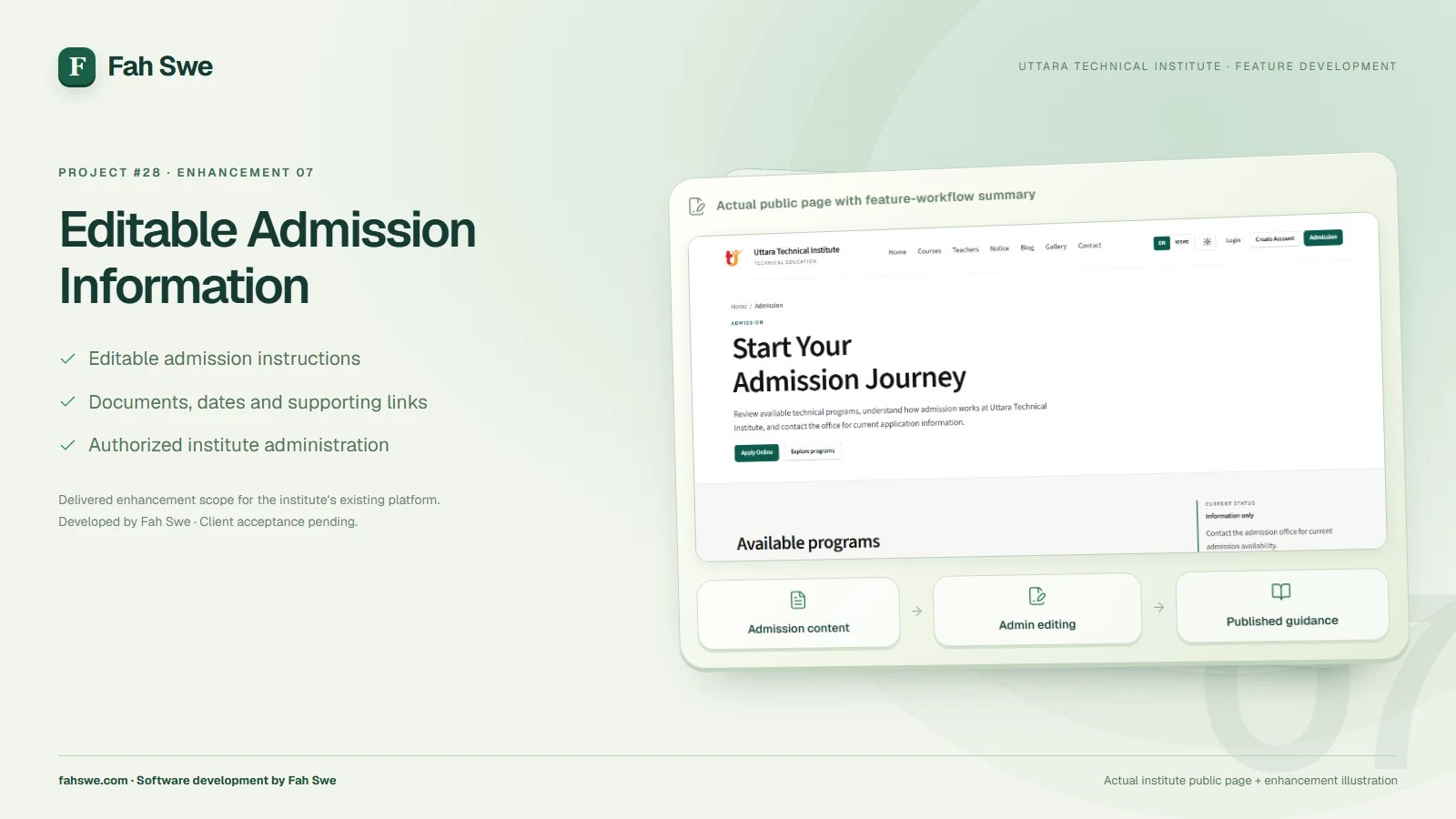
The admission-page CMS work places routine information updates with authorized institute administration. The agreed editable areas include admission steps, required documents, important dates, instructions, supporting images, links and related admission content.
This allows the institute to keep published guidance current as its admission arrangements change. The live admission page connects visitors to program information, the online application entry point and the institute’s admission contact options.
08 / Delivered feature
Course Details, Curriculum and Genuine Student Feedback
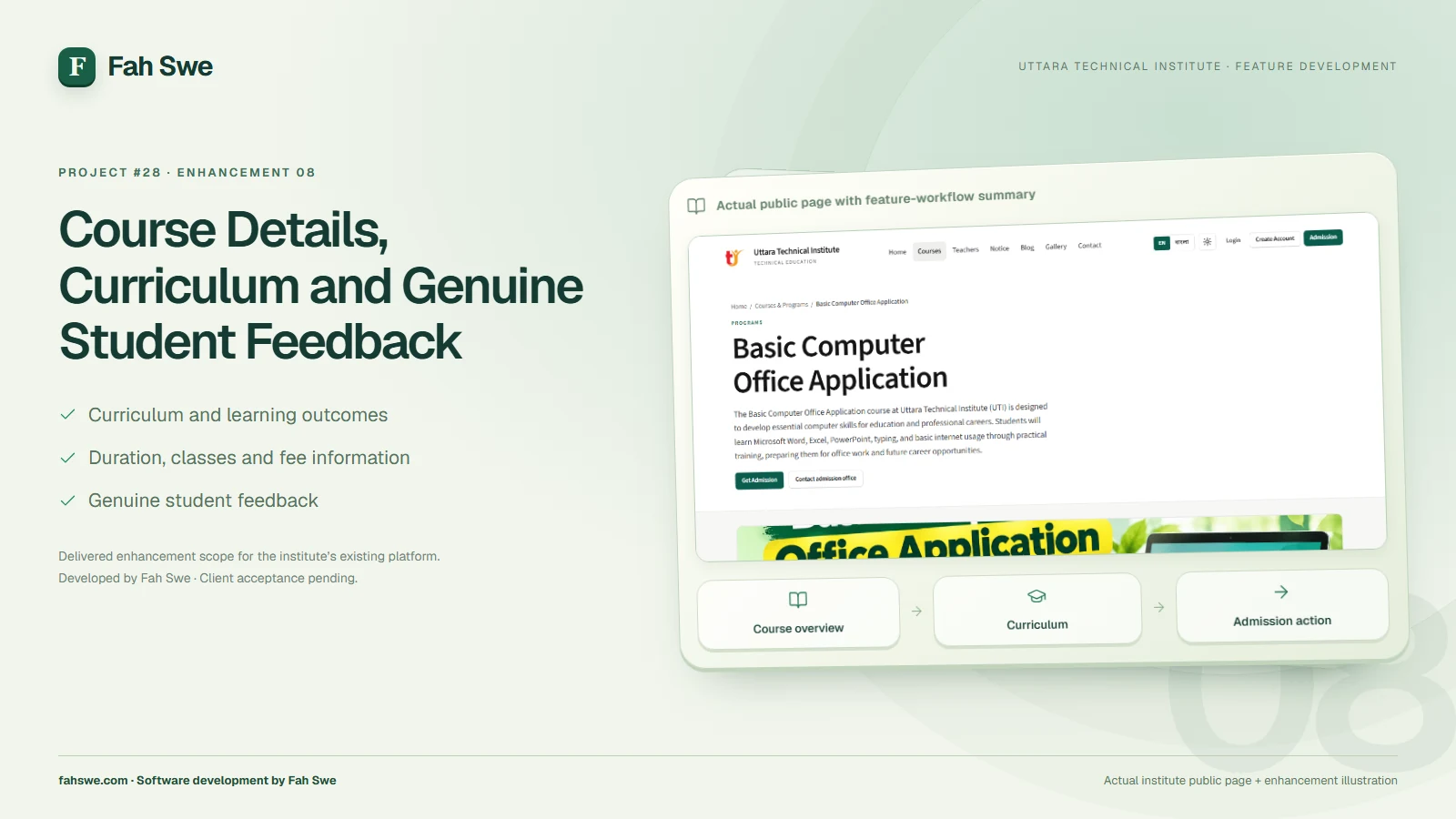
The course-experience improvements bring a more complete program presentation: overview, learning outcomes, curriculum, duration, class information, practical learning, applicable fees and discounts, FAQs, and student reviews or ratings. The public course page makes key information easier to find and provides a clear Get Admission action.
Course content can be maintained through the agreed management workflow instead of relying on repeated code edits. Student feedback is intended to come from genuine authorized participation. Review eligibility and publication behavior should be included in the institute’s acceptance review.
09 / Delivered feature
Admission Payment Claims, Approval and Dues
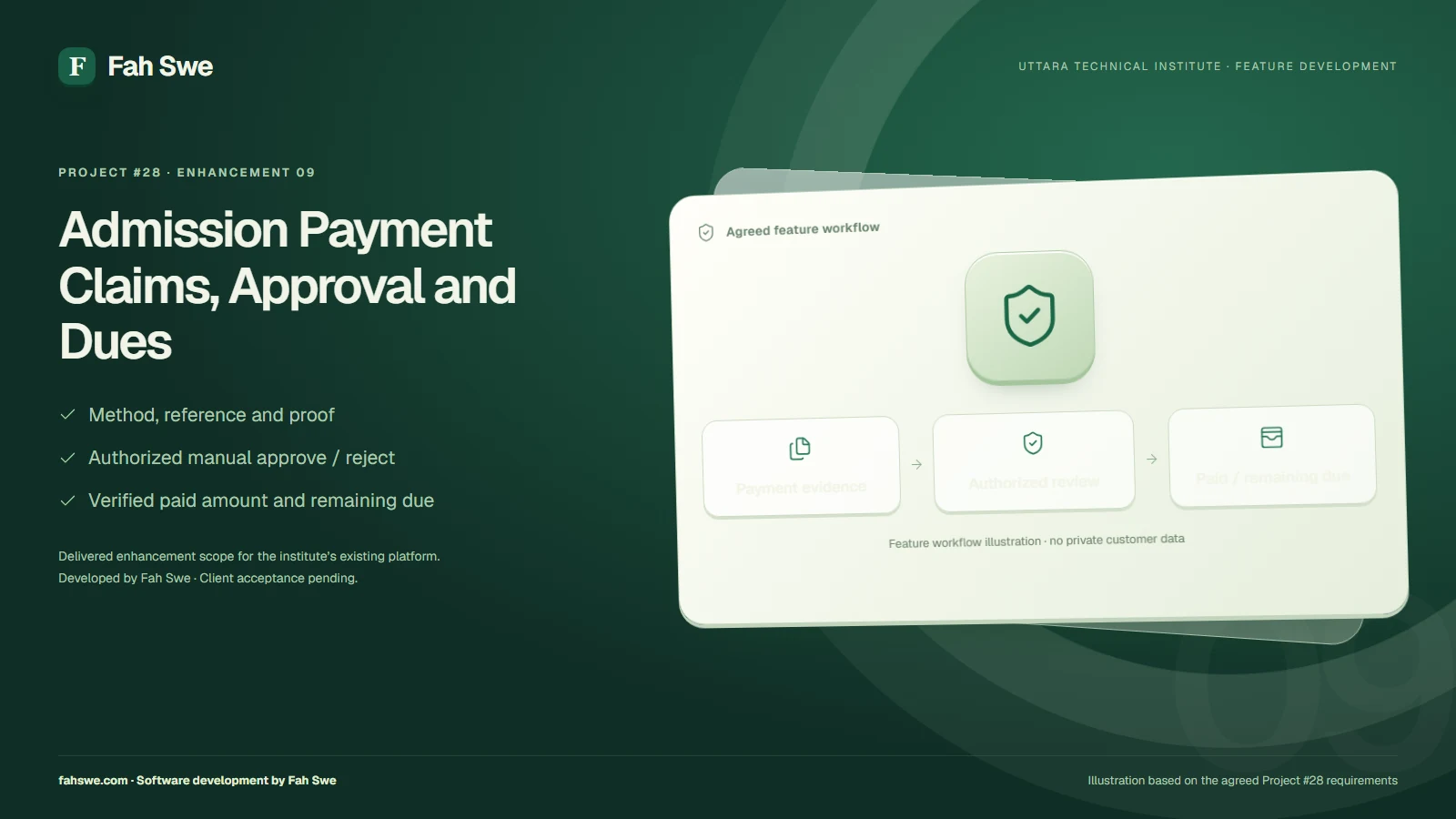
The admission payment work supports the institute’s configured online-payment instructions and cash-payment option. For an online transfer, the workflow collects the relevant transaction reference, supporting note and payment proof according to the selected method’s requirements.
Submitted information is a payment claim awaiting authorized manual verification. Administration reviews the actual evidence and received amount, approves or rejects the claim, and records the appropriate reason where needed. Cash is recorded after the institute receives it.
The resulting course-fee record separates the applicable fee, discount, verified amount paid and remaining due. Approval and record handling must protect against counting the same payment twice. Online-transfer instructions follow the institute’s manual-verification process.
10 / Delivered feature
Invoices, Receipts and Print/PDF Records
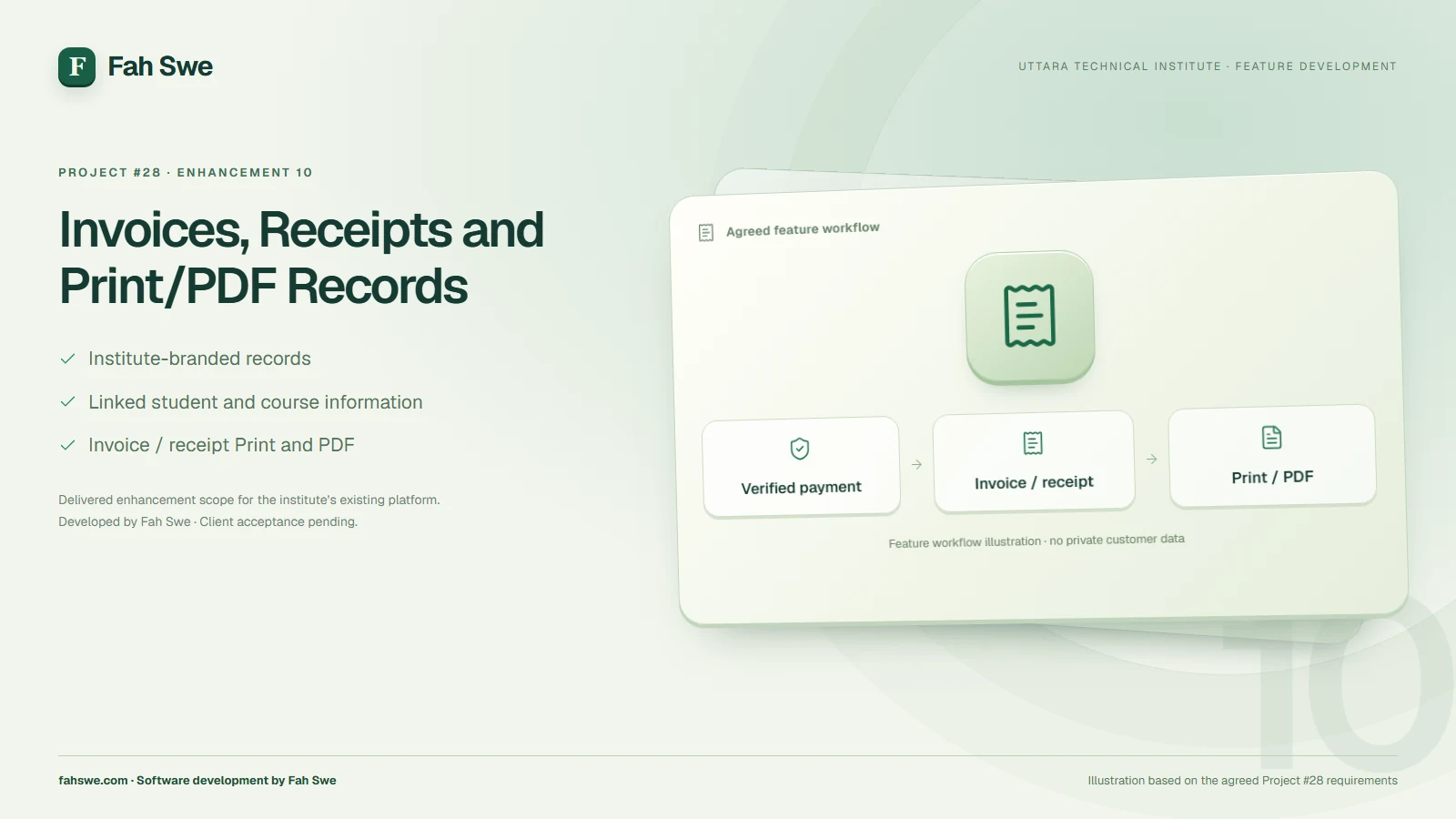
The invoice and receipt work supports a clear institute-branded record linked to the verified payment and the correct student, course or batch. The agreed document information includes an identifiable invoice or receipt number, issue date, Student ID, applicable fee, discount, received amount, remaining due and payment method.
Print and PDF access allow administration and the student to retain a practical copy. Student financial documents carry Uttara Technical Institute’s identity.
11 / Delivered feature
Transactional Email, Password Recovery and Notifications
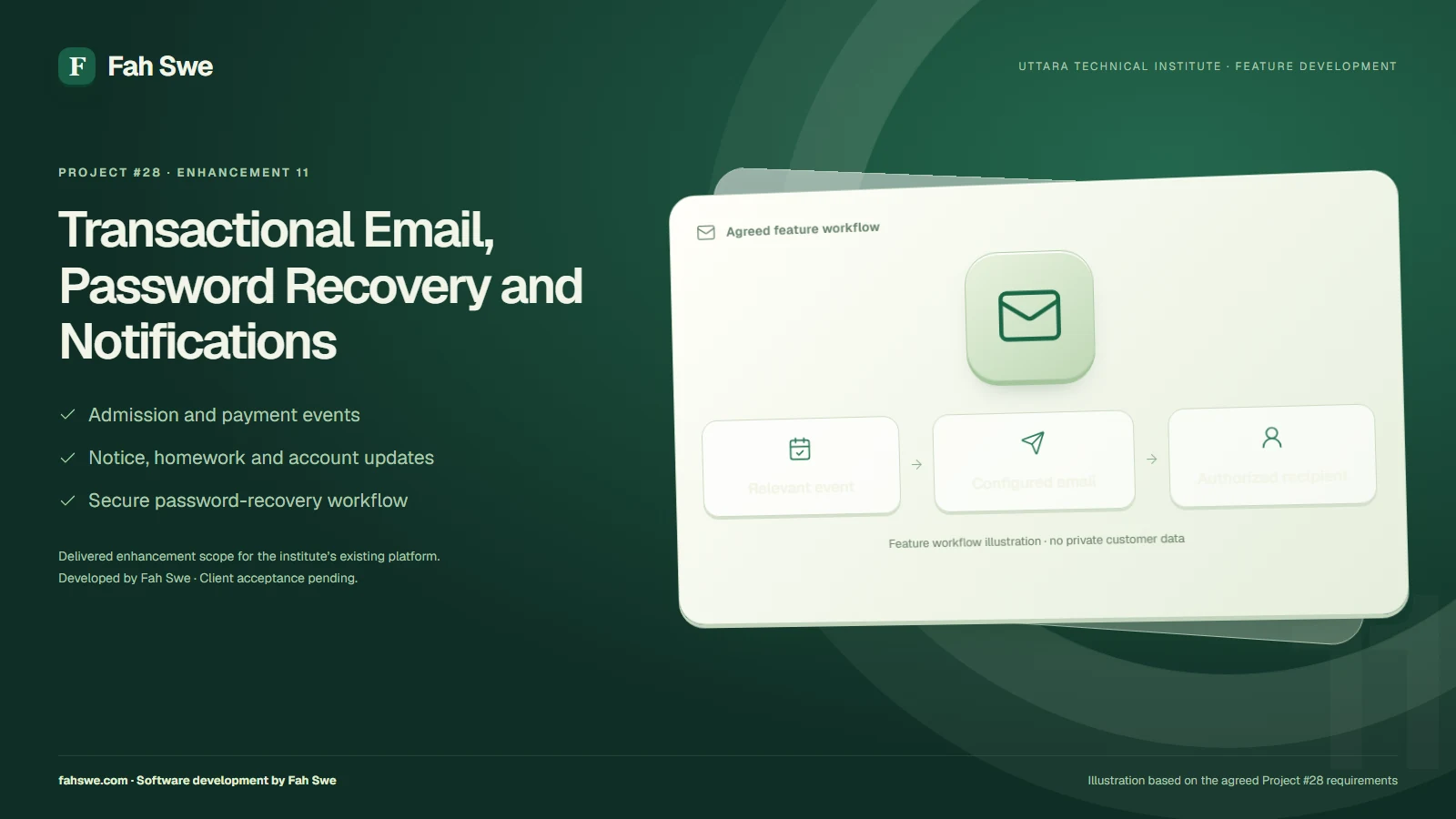
The email workstream covers service configuration, secure forgotten-password links and event-driven notifications. The agreed events include admission submission and decisions, payment submission and decisions, invoice or receipt availability, notices, homework and important account or academic updates.
Notifications connect these events to the relevant authorized recipients. Delivery status and failure handling are part of the operational handover review. The institute should verify the sending identity, the configured provider, delivery history and any retry or reporting controls in its authorized administration environment.
12 / Delivered feature
Security, Integration and Production Release
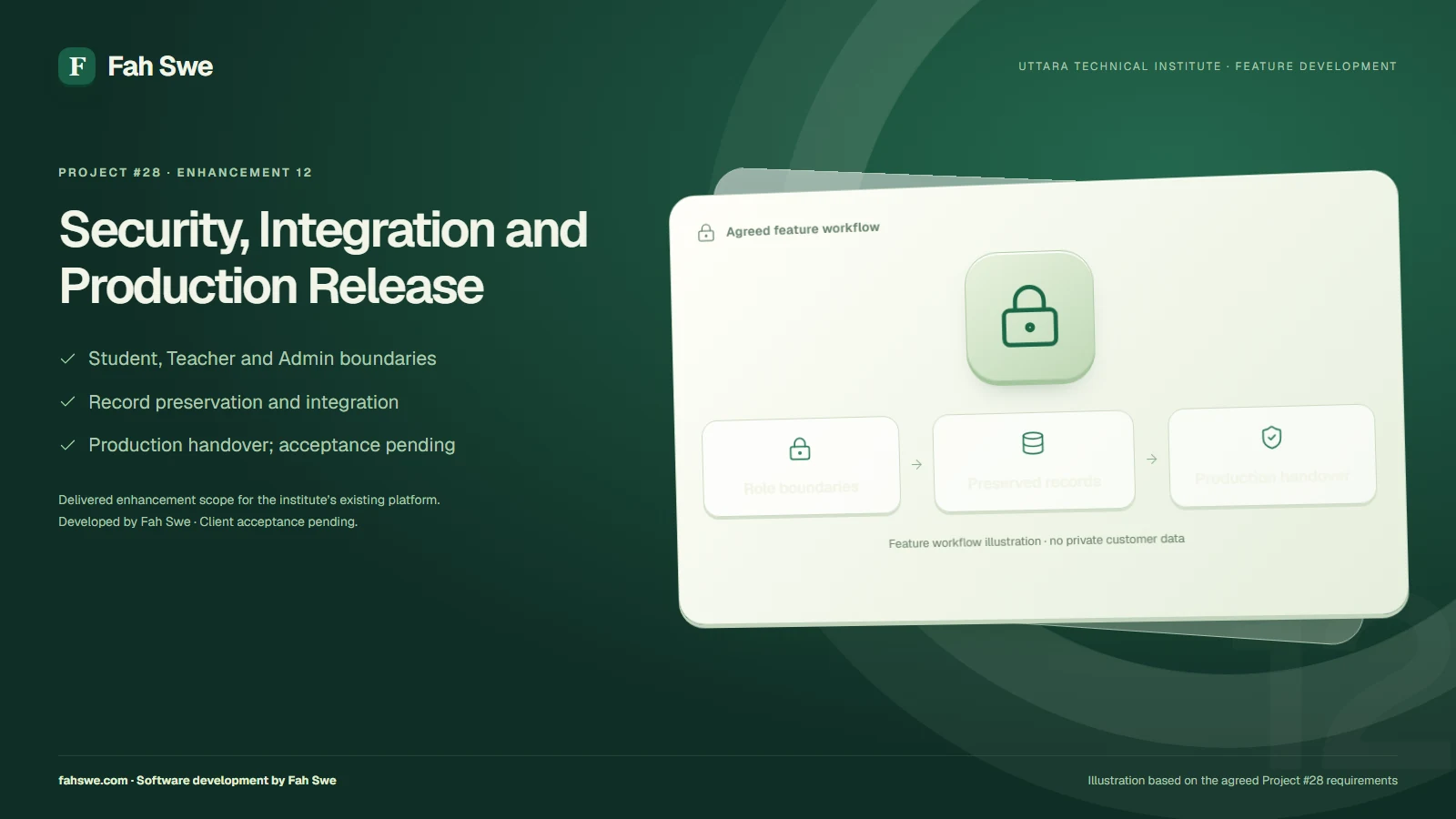
The enhancement work integrates with the platform’s existing authenticated roles. Student access, Teacher access and privileged administration remain distinct, with the relevant records available only through the appropriate authorized workflows.
Record preservation, integration checks, backup preparation and production deployment were explicit requirements of the agreed release. The handover review should retain the supporting deployment and recovery evidence and confirm the intended role boundaries using authorized accounts.
Client acceptance & handover
Website Design and User Experience
The institute’s public website presents English and Bangla navigation and course content, together with clear routes to admission and account access. Course information, learning outcomes and account entry are presented within the institute’s established visual identity.
The layout work emphasizes readable headings, consistent spacing and clear actions across the public pages. The institute can review its preferred English/Bangla content and important mobile workflows during acceptance.
Production Deployment
The development work is completed and deployed to the existing Uttara Technical Institute production environment. The live website and the reviewed public English/Bangla pages were reachable during preparation of this handover presentation on 26 October 2026.
Public-page availability does not replace an authorized end-to-end test of private admission, academic, salary or payment operations. Those final acceptance checks remain with the client and the authorized delivery team.
Delivered Platform Benefits
• Clearer student identification and more consistent admission records.
• Better organization of teacher salary history, class schedules, attendance and batch completion.
• More useful public program information and admission guidance that institute staff can maintain.
• A clearer separation between submitted payment evidence, verified money, receipts and outstanding dues.
• Event-based communication and a structured operational handover for institute administration.
Client Acceptance and Handover
The release is ready for Nasir Uddin and Uttara Technical Institute to review. Client acceptance should confirm the agreed behaviors using authorized test arrangements and should record any final corrections before formal sign-off.
• Review the student-identification and photograph requirements, admission decisions and course/batch allocation.
• Check more than one active course enrollment, teacher assignment, attendance, batch completion and retention of academic history.
• Review salary history and statement output, course editing, notice attachments and genuine student-review behavior.
• Verify payment evidence review, received amounts, remaining dues and invoice/receipt Print/PDF using the institute’s approved test process.
• Confirm password recovery, important notification events, authorized email delivery/audit information and the institute’s operational settings.
• Review the public English/Bangla pages and the important workflows on the institute’s intended phones, tablets and desktop devices.
Acceptance remains pending. Formal sign-off and handover will follow the client’s review of the agreed delivery.
Conclusion
Fah Swe presents these enhancements as the next stage of Uttara Technical Institute’s existing digital platform. The agreed work brings admission, academic administration, salary records, payment verification and communication into a more coherent operating workflow, ready for client acceptance and handover.
Feature অনুযায়ী দাম
1. Unique Student ID + Required Photo Upload ৳10,000
1. Unique Student ID + Required Photo Upload ৳10,000
2. Teacher Salary Management + History + PDF Receipt ৳35,000
2. Teacher Salary Management + History + PDF Receipt ৳35,000
3. Batch Completion + All Course Attendance + Admin Schedule Management ৳25,000
3. Batch Completion + All Course Attendance + Admin Schedule Management ৳25,000
4. Notice Image/PDF/Multiple File Upload ৳12,000
4. Notice Image/PDF/Multiple File Upload ৳12,000
5. Demo/Test Content নিরাপদে Remove ৳5,000
5. Demo/Test Content নিরাপদে Remove ৳5,000
6. Website UI, Spacing, Mobile Responsive Correction ৳12,000
6. Website UI, Spacing, Mobile Responsive Correction ৳12,000
7. Admission Page Full CMS Editing ৳12,000
7. Admission Page Full CMS Editing ৳12,000
8. Professional Course Details + Curriculum + Student Reviews/Ratings ৳30,000
8. Professional Course Details + Curriculum + Student Reviews/Ratings ৳30,000
9. Admission Payment Methods + Proof Upload + Admin Approval + Due ৳38,000
9. Admission Payment Methods + Proof Upload + Admin Approval + Due ৳38,000
10. Automated Invoice/Receipt + Print/PDF ৳15,000
10. Automated Invoice/Receipt + Print/PDF ৳15,000
11. SMTP + Forgot Password + Automated Email Notifications ৳30,000
11. SMTP + Forgot Password + Automated Email Notifications ৳30,000
12. Security, Integration, Testing, Production Deployment ৳26,000
12. Security, Integration, Testing, Production Deployment ৳26,000
- Admin Panel থেকে শিক্ষকদের Salary প্রদান, Salary Record সংরক্ষণ এবং আগের পে…
- Admin Panel থেকে শিক্ষকদের Salary প্রদান, Salary Record সংরক্ষণ এবং আগের পেমেন্টের ইতিহাস দেখার ব্যবস্থা থাকতে হবে।
- কোন শিক্ষককে কত টাকা, কোন ব্যাচের বেতন, কোন মাসের বেতন, কোন তারিখে এবং কী প…
- কোন শিক্ষককে কত টাকা, কোন ব্যাচের বেতন, কোন মাসের বেতন, কোন তারিখে এবং কী পদ্ধতিতে দেওয়া হয়েছে, তা সংরক্ষণ করতে হবে।
- Teacher Dashboard-এ শিক্ষক নিজের Salary History ও কত টাকা বেতন পেয়েছেন, তা…
- Teacher Dashboard-এ শিক্ষক নিজের Salary History ও কত টাকা বেতন পেয়েছেন, তা দেখতে পারবেন।
- বেতন প্রদানের সময় Salary Month, Basic Salary, Bonus বা অন্যান্য সংযোজন, De…
- বেতন প্রদানের সময় Salary Month, Basic Salary, Bonus বা অন্যান্য সংযোজন, Deduction এবং Net Pay-এর বিস্তারিত রাখা যাবে।
- বেতন প্রদানের পর Salary Statement/Receipt তৈরি হবে, যা Print ও PDF হিসেবে স…
- বেতন প্রদানের পর Salary Statement/Receipt তৈরি হবে, যা Print ও PDF হিসেবে সংরক্ষণ করা যাবে।
- Salary Receipt-এ Institute-এর নাম, ঠিকানা, শিক্ষকের নাম, Salary Month, প্রদ…
- Salary Receipt-এ Institute-এর নাম, ঠিকানা, শিক্ষকের নাম, Salary Month, প্রদত্ত টাকার পরিমাণ, তারিখ ও অনুমোদিত স্বাক্ষরের ব্যবস্থা থাকতে হবে।
৩. Batch Completion System
৩. Batch Completion System
প্রতিটি ব্যাচের নির্দিষ্ট Course Duration, Class Start Date ও Course Completi…
প্রতিটি ব্যাচের নির্দিষ্ট Course Duration, Class Start Date ও Course Completion Date থাকবে।
- বর্তমানে শুধু Basic Computer কোর্সের Attendance নেওয়া যাচ্ছে।
- বর্তমানে শুধু Basic Computer কোর্সের Attendance নেওয়া যাচ্ছে।
English Spoken
সহ অন্যান্য কোর্সের আজকের ক্লাস Teacher Workspace-এর Attendance পেজে দেখাচ্ছে না, তাই "Take Attendance" অপশনও আসছে না।
অনুগ্রহ করে দ্রুত সমস্যাটি সমাধান করুন, যেন প্রতিটি কোর্সের নির্ধারিত ক্লাসে …
অনুগ্রহ করে দ্রুত সমস্যাটি সমাধান করুন, যেন প্রতিটি কোর্সের নির্ধারিত ক্লাসে Assign করা Teacher Attendance নিতে পারেন এবং শিক্ষার্থীরা তাদের ব্যাচের Homework, Notice ও Attendance দেখতে পারেন।
- Admin এবং অনুমোদিত Teacher Panel থেকে ব্যাচকে "Mark as Completed" করার অপশন…
- Admin এবং অনুমোদিত Teacher Panel থেকে ব্যাচকে "Mark as Completed" করার অপশন থাকতে হবে।
- নির্ধারিত মেয়াদ শেষে Admin বা অনুমোদিত Teacher ব্যাচ Complete করতে পারবেন।
- নির্ধারিত মেয়াদ শেষে Admin বা অনুমোদিত Teacher ব্যাচ Complete করতে পারবেন।
- Batch Complete হলে সংশ্লিষ্ট ব্যাচের Status Completed হবে এবং ব্যাচের সব পু…
- Batch Complete হলে সংশ্লিষ্ট ব্যাচের Status Completed হবে এবং ব্যাচের সব পুরোনো রেকর্ড সংরক্ষিত থাকবে।
- Completed ব্যাচে নতুন Admission, Attendance বা অন্য কার্যক্রম চালু থাকবে কি…
- Completed ব্যাচে নতুন Admission, Attendance বা অন্য কার্যক্রম চালু থাকবে কি না, তা নির্ধারিত নিয়ম অনুযায়ী নিয়ন্ত্রণ করতে হবে।
পুরোনো Attendance, Homework, Notice ও অন্যান্য রেকর্ড দেখা যাবে।
পুরোনো Attendance, Homework, Notice ও অন্যান্য রেকর্ড দেখা যাবে।
- কোনো ব্যাচ Complete হলে ওই ব্যাচের সংশ্লিষ্ট সব শিক্ষার্থীর Course Enrollme…
- কোনো ব্যাচ Complete হলে ওই ব্যাচের সংশ্লিষ্ট সব শিক্ষার্থীর Course Enrollment Status-ও Completed হবে।
- একজন শিক্ষার্থী একাধিক কোর্স বা ব্যাচে ভর্তি থাকলে, একটি ব্যাচ Complete হলে…
- একজন শিক্ষার্থী একাধিক কোর্স বা ব্যাচে ভর্তি থাকলে, একটি ব্যাচ Complete হলেই তার সম্পূর্ণ Student Account Complete করা যাবে না।
- শিক্ষার্থীর সব Course Enrollment Complete হলেই কেবল তার Overall Student Sta…
- শিক্ষার্থীর সব Course Enrollment Complete হলেই কেবল তার Overall Student Status "Course Completed" হবে।
- Student Account, Student ID বা পুরোনো একাডেমিক রেকর্ড Delete করা যাবে না। শ…
- Student Account, Student ID বা পুরোনো একাডেমিক রেকর্ড Delete করা যাবে না। শিক্ষার্থী প্রয়োজনে ভবিষ্যতে নতুন কোর্সে ভর্তি হতে পারবেন।
- অনলাইন ভর্তি ব্যাচের জন্য ব্যাচ তৈরি করার সময় Admission Settings-এ ক্লাসের …
- অনলাইন ভর্তি ব্যাচের জন্য ব্যাচ তৈরি করার সময় Admission Settings-এ ক্লাসের সময়সূচি নির্ধারণ হবে এডমিন প্যানেলে যে যে সময় ক্লাস রুটিন তৈরি করা হবে সে অনুযায়ীই।
ডেভেলপারের সহযোগিতা যেনো না নেওয়া লাগে।
ডেভেলপারের সহযোগিতা যেনো না নেওয়া লাগে।
৪. Notice Management ও File Upload
৪. Notice Management ও File Upload
- Admin Panel থেকে Notice প্রকাশের সময় Text-এর পাশাপাশি ছবি, PDF এবং প্রয়োজ…
- Admin Panel থেকে Notice প্রকাশের সময় Text-এর পাশাপাশি ছবি, PDF এবং প্রয়োজনীয় File Upload করার অপশন থাকতে হবে।
- Notice-এ একাধিক File সংযুক্ত করার সুবিধা থাকলে ভালো হয়।
- Notice-এ একাধিক File সংযুক্ত করার সুবিধা থাকলে ভালো হয়।
- Public Website-এর ব্যবহারকারী ও শিক্ষার্থীরা সংশ্লিষ্ট Notice এবং অনুমোদিত …
- Public Website-এর ব্যবহারকারী ও শিক্ষার্থীরা সংশ্লিষ্ট Notice এবং অনুমোদিত Attachment দেখতে ও Download করতে পারবেন।
- Admin Panel থেকে Notice Add, Edit, Publish ও Delete করা যাবে।
- Admin Panel থেকে Notice Add, Edit, Publish ও Delete করা যাবে।
৫. পুরোনো Test Content অপসারণ
৫. পুরোনো Test Content অপসারণ
- Website থেকে আগের সব Test Article, Demo Notice, Sample Content, Test Link এ…
- Website থেকে আগের সব Test Article, Demo Notice, Sample Content, Test Link এবং অপ্রয়োজনীয় পরীক্ষামূলক তথ্য সরিয়ে ফেলতে হবে।
- Public Website-এর কোনো Page-এ যেন Demo বা Test Content প্রদর্শিত না হয়।
- Public Website-এর কোনো Page-এ যেন Demo বা Test Content প্রদর্শিত না হয়।
- তবে প্রকৃত Admission Record, Student Account, Payment Record, Invoice, Atte…
- তবে প্রকৃত Admission Record, Student Account, Payment Record, Invoice, Attendance, Homework ও অন্যান্য প্রয়োজনীয় Database Record যেন কোনোভাবেই মুছে না যায়।
৬. Website UI, Layout ও Spacing উন্নয়ন
৬. Website UI, Layout ও Spacing উন্নয়ন
- Website-এর বিভিন্ন Content ও Section-এর মাঝখানে অপ্রয়োজনীয় বড় Gap এবং অত…
- Website-এর বিভিন্ন Content ও Section-এর মাঝখানে অপ্রয়োজনীয় বড় Gap এবং অতিরিক্ত ফাঁকা জায়গা কমাতে হবে।
- Layout আরও Compact, Clean, Professional ও সহজে পড়ার উপযোগী করতে হবে।
- Layout আরও Compact, Clean, Professional ও সহজে পড়ার উপযোগী করতে হবে।
- Home Page-এর Design-এর সঙ্গে সামঞ্জস্য রেখে অন্যান্য Page-এর UI সাজাতে হবে।
- Home Page-এর Design-এর সঙ্গে সামঞ্জস্য রেখে অন্যান্য Page-এর UI সাজাতে হবে।
- Heading, Font Size, Typography, Button, Card, Section Spacing, Image Ratio …
- Heading, Font Size, Typography, Button, Card, Section Spacing, Image Ratio ও Alignment-এর মধ্যে সামঞ্জস্য রাখতে হবে।
- Mobile, Tablet ও Desktop-সব ডিভাইসে Responsive Design নিশ্চিত করতে হবে।
- Mobile, Tablet ও Desktop-সব ডিভাইসে Responsive Design নিশ্চিত করতে হবে।
- কোনো Content যেন কেটে না যায়, অতিরিক্ত ফাঁকা না থাকে অথবা Mobile View-তে এ…
- কোনো Content যেন কেটে না যায়, অতিরিক্ত ফাঁকা না থাকে অথবা Mobile View-তে এলোমেলো দেখায়।
৭. Admission Page
এর সব Content Admin Panel থেকে Editable করা
বর্তমানে Admission Page
এর কিছু Content Admin Panel থেকে পরিবর্তন করা যাচ্ছে না। এটি ঠিক করতে হবে।
নিচের সব তথ্য Admin Panel থেকে Add, Edit, Delete ও Update করা যাবে:
নিচের সব তথ্য Admin Panel থেকে Add, Edit, Delete ও Update করা যাবে:
- Admission Process
- Admission Process
- Required Documents
- Required Documents
- Important Dates
- Important Dates
- Admission Instructions
- Admission Instructions
- ভর্তি-সংক্রান্ত অন্যান্য Text, Image, Link ও Section
- ভর্তি-সংক্রান্ত অন্যান্য Text, Image, Link ও Section
এই তথ্য পরিবর্তন করার জন্য যেন বারবার Developer
এর সাহায্য নিতে না হয়।
৮. Course Management ও Course Details Page
এর পূর্ণাঙ্গ উন্নয়ন
প্রতিটি কোর্সের জন্য একটি সুন্দর, বিস্তারিত ও Professional Course Details Pag…
প্রতিটি কোর্সের জন্য একটি সুন্দর, বিস্তারিত ও Professional Course Details Page তৈরি করতে হবে।
Admin Panel
এর Course Management:
- যেকোনো কোর্সের Title, Description, Image, Curriculum, Course Fee, Discount,…
- যেকোনো কোর্সের Title, Description, Image, Curriculum, Course Fee, Discount, Duration, Total Classes, Class Duration, Practical Project, FAQ এবং অন্যান্য Details যতবার প্রয়োজন Edit করা যাবে।
- Course Description বা Curriculum-এর দৈর্ঘ্যের কারণে যেন গু���ুত্বপূর্ণ তথ্য…
- Course Description বা Curriculum-এর দৈর্ঘ্যের কারণে যেন গু���ুত্বপূর্ণ তথ্য Add করতে কোনো অপ্রয়োজনীয় সীমাবদ্ধতা না থাকে।
- Course-এর বিভিন্ন Section-এর Content, Order ও Visibility Admin Panel থেকে প…
- Course-এর বিভিন্ন Section-এর Content, Order ও Visibility Admin Panel থেকে পরিচালনা করা যাবে।
Course Page
এর উপরের অংশে Highlighted Information Box থাকবে:
- Course Duration
- Course Duration
- Total Classes
- Total Classes
- প্রতিটি Class-এর Duration
- প্রতিটি Class-এর Duration
- Practical Project
- Practical Project
- Regular Course Fee
- Regular Course Fee
- Discount Amount অথবা Percentage
- Discount Amount অথবা Percentage
- Discount-এর পর Final Course Fee বড়, স্পষ্ট ও Highlighted করে
- Discount-এর পর Final Course Fee বড়, স্পষ্ট ও Highlighted করে
এই তথ্যগুলো সুন্দর Card বা Box Layout
এ দেখাতে হবে, যাতে শিক্ষার্থী পেজ খুলেই কোর্সের গুরুত্বপূর্ণ তথ্য বুঝতে পারেন।
Course Details Page
এ আলাদা Section থাকবে:
১. Course Overview ও বিস্তারিত পরিচিতি
১. Course Overview ও বিস্তারিত পরিচিতি
২. What You Will Learn
কোর্সে কী কী শেখানো হবে, তার পূর্ণাঙ্গ তালিকা
৩. Course Curriculum
বিষয়ভিত্তিক বিস্তারিত সিলেবাস
৪. Who Is This Course For
কোর্সটি কাদের জন্য উপযুক্ত
৫. Skills You Will Gain
কোর্স শেষে শিক্ষার্থী কী কী দক্ষতা অর্জন করবেন
৬. Career & Opportunities
কোর্স শেষে কী কী কাজ, প্রজেক্ট বা ক্যারিয়ার-সংক্রান্ত সুযোগ তৈরি হতে পারে
৭. Practical Projects & Hands
on Learning
৮. Course Benefits ও অন্যান্য প্রয়োজনীয় তথ্য
৮. Course Benefits ও অন্যান্য প্রয়োজনীয় তথ্য
৯. Course
specific FAQ - প্রতিটি কোর্সের জন্য আলাদা Frequently Asked Questions Section
১০. Student Reviews & Ratings
শিক্ষার্থীরা কোর্স সম্পর্কে তাদের স্টুডেন্ট প্রোফাইল থেকে Review ও Rating দিতে পারবেন এবং রিভিউ এর সাথে স্টুডেন্টের নাম ও ব্যাচ দেখাবে।
- শেখার বিষয়গুলো এবং কোর্স শেষে অর্জিত দক্ষতাগুলো আলাদা ও Highlighted Sectio…
- শেখার বিষয়গুলো এবং কোর্স শেষে অর্জিত দক্ষতাগুলো আলাদা ও Highlighted Section বা Box-এ দেখাতে হবে।
- FAQ, Curriculum ও Review-সহ প্রতিটি Section সুন্দরভাবে সাজানো থাকবে।
- FAQ, Curriculum ও Review-সহ প্রতিটি Section সুন্দরভাবে সাজানো থাকবে।
- Student Review দেওয়ার ক্ষেত্রে প্রকৃত শিক্ষার্থীদের Review নিশ্চিত করার জন…
- Student Review দেওয়ার ক্ষেত্রে প্রকৃত শিক্ষার্থীদের Review নিশ্চিত করার জন্য Student Account থেকেই রিভিউ লিখতে পারবে এবং রিভিউ এর সাথে স্টুডেন্ট এর নাম ও ব্যাচ দেখা যাবে পাবলিক ওয়েবসাইটে।
Course Admission Button:
Course Admission Button:
- প্রতিটি Course Details Page-এ স্পষ্টভাবে "Get Admission" অথবা "Enroll Now" …
- প্রতিটি Course Details Page-এ স্পষ্টভাবে "Get Admission" অথবা "Enroll Now" Button থাকবে।
- শিক্ষার্থী ওই Button-এ ক্লিক করে সরাসরি Online Admission/Registration Form-…
- শিক্ষার্থী ওই Button-এ ক্লিক করে সরাসরি Online Admission/Registration Form-এ যেতে পারবেন।
- সম্ভব হলে নির্বাচিত Course-টি Admission Form-এ স্বয়ংক্রিয়ভাবে Select হয়ে…
- সম্ভব হলে নির্বাচিত Course-টি Admission Form-এ স্বয়ংক্রিয়ভাবে Select হয়ে থাকবে, যাতে শিক্ষার্থীকে আবার Course খুঁজে নিতে না হয়।
৯. Online Admission Form ও Payment System
৯. Online Admission Form ও Payment System
Admission Form পূরণ করার পর শিক্ষার্থ��� Final Submit করার আগে Payment Method…
Admission Form পূরণ করার পর শিক্ষার্থ��� Final Submit করার আগে Payment Method নির্বাচন করবেন।
Payment Method:
Payment Method:
- Online Payment
- Online Payment
- Cash Payment
- Cash Payment
Online Payment নির্বাচন করলে:
Online Payment নির্বাচন করলে:
- একটি Popup/Modal প্রদর্শিত হবে, যেখানে Admin Panel থেকে সেট করা Payment Met…
- একটি Popup/Modal প্রদর্শিত হবে, যেখানে Admin Panel থেকে সেট করা Payment Method ও Payment Details দেখা যাবে।
- যেমন: প্রযোজ্য Mobile Financial Service, Bank Account বা অন্যান্য অনুমোদিত …
- যেমন: প্রযোজ্য Mobile Financial Service, Bank Account বা অন্যান্য অনুমোদিত Payment Method।
- Admin যেন Payment Method Add, Edit, Enable বা Disable করতে পারেন।
- Admin যেন Payment Method Add, Edit, Enable বা Disable করতে পারেন।
- শিক্ষার্থী Payment করার পর Transaction ID/Reference, নিজের নাম, প্রয়োজনীয়…
- শিক্ষার্থী Payment করার পর Transaction ID/Reference, নিজের নাম, প্রয়োজনীয় Note এবং Payment Proof/Screenshot Upload করতে পারবেন।
- Payment Proof Upload না করলে Submission বাধ্যতামূলক হবে কি না, সেটি নির্ধার…
- Payment Proof Upload না করলে Submission বাধ্যতামূলক হবে কি না, সেটি নির্ধারিত Payment Method অনুযায়ী নিয়ন্ত্রণ করা যাবে।
- শিক্ষার্থী আবেদন ও Payment Information Submit করার পর Admin Panel-এ তা যাচা…
- শিক্ষার্থী আবেদন ও Payment Information Submit করার পর Admin Panel-এ তা যাচাইয়ের জন্য আসবে।
Cash Payment নির্বাচন করলে:
Cash Payment নির্বাচন করলে:
- শিক্ষার্থী Cash Payment Method নির্বাচন করে আবেদন Submit করতে পারবেন।
- শিক্ষার্থী Cash Payment Method নির্বাচন করে আবেদন Submit করতে পারবেন।
- Admin Panel থেকে বাস্তবে টাকা গ্রহণের পর Payment Record তৈরি ও Update করতে …
- Admin Panel থেকে বাস্তবে টাকা গ্রহণের পর Payment Record তৈরি ও Update করতে হবে।
- টাকা গ্রহণের আগে Payment-কে Paid হিসেবে দেখানো যাবে না।
- টাকা গ্রহণের আগে Payment-কে Paid হিসেবে দেখানো যাবে না।
Admin Panel
এর Payment Approval:
- Admin শিক্ষার্থীর Payment Information, Transaction ID ও Proof যাচাই করতে পা…
- Admin শিক্ষার্থীর Payment Information, Transaction ID ও Proof যাচাই করতে পারবেন।
- Payment Approve বা Reject করার অপশন থাকবে।
- Payment Approve বা Reject করার অপশন থাকবে।
- Payment Reject হলে প্রয়োজনীয় কারণ সংরক্ষণ করা যাবে এবং শিক্ষার্থীকে জানান…
- Payment Reject হলে প্রয়োজনীয় কারণ সংরক্ষণ করা যাবে এবং শিক্ষার্থীকে জানানো যাবে।
- Admin Payment Approve করার সময় কত টাকা গ্রহণ করা হয়েছে, কত টাকা বাকি আছে …
- Admin Payment Approve করার সময় কত টাকা গ্রহণ করা হয়েছে, কত টাকা বাকি আছে এবং প্রয়োজনে অতিরিক্ত Due Amount নির্ধারণ বা Update করতে পারবেন।
- শিক্ষার্থীর Course Fee, Discount, Paid Amount ও Remaining Due সঠিকভাবে হিসা…
- শিক্ষার্থীর Course Fee, Discount, Paid Amount ও Remaining Due সঠিকভাবে হিসাব হবে।
- একই Payment যেন ভুলবশত একাধিকবার Approved বা হিসাবভুক্ত না হয়, সেটি নিশ্চি…
- একই Payment যেন ভুলবশত একাধিকবার Approved বা হিসাবভুক্ত না হয়, সেটি নিশ্চিত করতে হবে।
Invoice/Receipt Generation:
Invoice/Receipt Generation:
- Payment Approve হলে সংশ্লিষ্ট শিক্ষার্থীর জন্য স্বয়ংক্রিয় Invoice/Receipt…
- Payment Approve হলে সংশ্লিষ্ট শিক্ষার্থীর জন্য স্বয়ংক্রিয় Invoice/Receipt তৈরি হবে।
- Invoice-এ Institute-এর নাম, ঠিকানা, যোগাযোগের তথ্য, Unique Invoice Number, …
- Invoice-এ Institute-এর নাম, ঠিকানা, যোগাযোগের তথ্য, Unique Invoice Number, Issue Date, Student ID, Student Name, Course/Batch, Total Fee, Discount, Paid Amount, Remaining Due এবং Payment Method থাকবে।
- Invoice Print ও PDF Download করা যাবে।
- Invoice Print ও PDF Download করা যাবে।
- Admin Panel থেকে Invoice পুনরায় দেখা, প্রিন্ট করা এবং Payment Record অনুযা…
- Admin Panel থেকে Invoice পুনরায় দেখা, প্রিন্ট করা এবং Payment Record অনুযায়ী আপডেট করা যাবে।
- Invoice-এ শুধুমাত্র Uttara Technical Institute-এর Branding থাকবে; Developer…
- Invoice-এ শুধুমাত্র Uttara Technical Institute-এর Branding থাকবে; Developer-এর কোনো Logo বা Watermark থাকবে না।
১০. Email Configuration ও Automated Notification System
১০. Email Configuration ও Automated Notification System
Website
এ সঠিক SMTP অথবা উপযুক্ত Email Service Configuration সেটআপ করতে হবে, যাতে স্বয়ংক্রিয়ভাবে Email পাঠানো যায়।
Forgot Password:
Forgot Password:
- শিক্ষার্থী ও প্রযোজ্য User যেন Forgot Password-এর মাধ্যমে Email-এ নিরাপদ Pa…
- শিক্ষার্থী ও প্রযোজ্য User যেন Forgot Password-এর মাধ্যমে Email-এ নিরাপদ Password Reset Link পেতে পারেন।
- Reset Link-এর Expiry ও Security ব্যবস্থা থাকতে হবে।
- Reset Link-এর Expiry ও Security ব্যবস্থা থাকতে হবে।
Automated Email Notification:
Automated Email Notification:
নিচের গুরুত্বপূর্ণ কার্যক্রমের জন্য স্বয়ংক্রিয় Email পাঠানোর ব্যবস্থা করতে …
নিচের গুরুত্বপূর্ণ কার্যক্রমের জন্য স্বয়ংক্রিয় Email পাঠানোর ব্যবস্থা করতে হবে:
- নতুন Admission Application Submit
- নতুন Admission Application Submit
- Admission Approved অথবা Rejected
- Admission Approved অথবা Rejected
- Payment Submitted
- Payment Submitted
- Payment Approved অথবা Rejected
- Payment Approved অথবা Rejected
- Invoice/Receipt তৈরি
- Invoice/Receipt তৈরি
- নতুন Notice প্রকাশ
- নতুন Notice প্রকাশ
- Homework ও গুরুত্বপূর্ণ Academic Update
- Homework ও গুরুত্বপূর্ণ Academic Update
- Password Reset
- Password Reset
- Account-সংক্রান্ত গুরুত্বপূর্ণ তথ্য
- Account-সংক্রান্ত গুরুত্বপূর্ণ তথ্য
- প্রয়োজন অনুযায়ী Admin ও সংশ্লিষ্ট শিক্ষার্থী উভয়েই Notification পাবেন।
- প্রয়োজন অনুযায়ী Admin ও সংশ্লিষ্ট শিক্ষার্থী উভয়েই Notification পাবেন।
- Email Template ও প্রয়োজনীয় Message Admin Panel থেকে পরিচালনা করার ব্যবস্থ…
- Email Template ও প্রয়োজনীয় Message Admin Panel থেকে পরিচালনা করার ব্যবস্থা থাকলে ভালো হয়।
- Email Configuration সম্পন্ন করার পর বাস্তব Email পাঠিয়ে পরীক্ষা করতে হবে, …
- Email Configuration সম্পন্ন করার পর বাস্তব Email পাঠিয়ে পরীক্ষা করতে হবে, যেন শুধু System-এ Success দেখায় না, বরং Email সত্যিই পৌঁছায়।
- Email ব্যর্থ হলে Error Log বা Delivery Status দেখার ব্যবস্থা রাখতে হবে।
- Email ব্যর্থ হলে Error Log বা Delivery Status দেখার ব্যবস্থা রাখতে হবে।
১১. কাজ বাস্তবায়ন ও পরীক্ষার নির্দেশনা
১১. কাজ বাস্তবায়ন ও পরীক্ষার নির্দেশনা
উপরের কাজগুলো একসঙ্গে পরিকল্পনা করে ধাপে ধাপে বাস্তবায়ন করতে হবে।
উপরের কাজগুলো একসঙ্গে পরিকল্পনা করে ধাপে ধাপে বাস্তবায়ন করতে হবে।
প্রতিটি ধাপ সম্পন্ন হওয়ার পর সংশ্লিষ্ট ফিচার পরীক্ষা করে তারপর পরবর্তী ধাপে …
প্রতিটি ধাপ সম্পন্ন হওয়ার পর সংশ্লিষ্ট ফিচার পরীক্ষা করে তারপর পরবর্তী ধাপে যেতে হবে।
প্রস্তাবিত কাজের ক্রম:
প্রস্তাবিত কাজের ক্রম:
Phase 1
Core System
- Student ID ও বাধ্যতামূলক Student Photo Upload
- Student ID ও বাধ্যতামূলক Student Photo Upload
- Batch Completion System
- Batch Completion System
- Teacher Salary Management
- Teacher Salary Management
Phase 2
Website Content ও UI
- পুরোনো Test Content অপসারণ
- পুরোনো Test Content অপসারণ
- Website UI, Spacing ও Responsive Design
- Website UI, Spacing ও Responsive Design
- Admission Page-এর Editable Content
- Admission Page-এর Editable Content
- Course Management ও Course Details Page
- Course Management ও Course Details Page
Phase 3
Admission, Payment ও Invoice
- Online Admission Form-এর Payment Method
- Online Admission Form-এর Payment Method
- Payment Proof Upload ও Admin Approval
- Payment Proof Upload ও Admin Approval
- Due Management
- Due Management
- Automated Invoice/Receipt Generation
- Automated Invoice/Receipt Generation
Phase 4
Email ও Final Testing
- SMTP/Email Configuration
- SMTP/Email Configuration
- Forgot Password
- Forgot Password
- Automated Email Notification
- Automated Email Notification
- সব Panel ও ফিচারের End-to-End Testing
- সব Panel ও ফিচারের End-to-End Testing
Final Testing Checklist:
Final Testing Checklist:
- প্রতিটি ফিচারের Frontend ও Backend সঠিকভাবে কাজ করছে কি না।
- প্রতিটি ফিচারের Frontend ও Backend সঠিকভাবে কাজ করছে কি না।
- Admin, Teacher ও Student-এর Permission সঠিকভাবে কার্যকর কি না।
- Admin, Teacher ও Student-এর Permission সঠিকভাবে কার্যকর কি না।
- Database-এ তথ্য সঠিকভাবে সংরক্ষিত ও আপডেট হচ্ছে কি না।
- Database-এ তথ্য সঠিকভাবে সংরক্ষিত ও আপডেট হচ্ছে কি না।
- Print, PDF Download ও File Upload বাস্তবে কাজ করছে কি না।
- Print, PDF Download ও File Upload বাস্তবে কাজ করছে কি না।
- Payment Approval, Due Calculation ও Invoice Generation সঠিক কি না।
- Payment Approval, Due Calculation ও Invoice Generation সঠিক কি না।
- Batch Complete হলে সংশ্লিষ্ট Student Enrollment Status সঠিকভাবে আপডেট হচ্ছে…
- Batch Complete হলে সংশ্লিষ্ট Student Enrollment Status সঠিকভাবে আপডেট হচ্ছে কি না।
- Mobile, Tablet ও Desktop-এ Website সঠিকভাবে দেখা যাচ্ছে কি না।
- Mobile, Tablet ও Desktop-এ Website সঠিকভাবে দেখা যাচ্ছে কি না।
- কোনো বিদ্যমান কার্যকর ফিচার বা প্রকৃত Student, Admission, Payment ও Academi…
- কোনো বিদ্যমান কার্যকর ফিচার বা প্রকৃত Student, Admission, Payment ও Academic Record নষ্ট হয়েছে কি না।
গুরুত্বপূর্ণ নির্দেশনা
কাজ শুরু করার আগে বর্তমান Website ও Database-এর Backup রাখতে হবে।
কোনো বিদ্যমান তথ্য বা কার্যকর ফিচার নষ্ট না করে পরিবর্তনগুলো বাস্তবায়ন করবেন।
কোনো বিদ্যমান তথ্য বা কার্যকর ফিচার নষ্ট না করে পরিবর্তনগুলো বাস্তবায়ন করবেন।
প্রতিটি Phase শেষে কী কী কাজ সম্পন্ন হয়েছে, কীভাবে পরীক্ষা করা হয়েছে এবং কো…
প্রতিটি Phase শেষে কী কী কাজ সম্পন্ন হয়েছে, কীভাবে পরীক্ষা করা হয়েছে এবং কোনো কাজ বাকি আছে কি না, তা জানাবেন।
শুধু UI
তে অপশন যোগ করলেই কাজ সম্পন্ন হয়েছে বলে ধরা হবে না।
প্রতিটি ফিচারের সম্পূর্ণ কার্যকারিতা নিশ্চিত করে তারপর কাজটি Complete হিসেবে …
প্রতিটি ফিচারের সম্পূর্ণ কার্যকারিতা নিশ্চিত করে তারপর কাজটি Complete হিসেবে জানাবেন।
1.Student Identification and Admission Records
2.Teacher Salary Management and Salary History
3.Batch Completion, Attendance and Class Schedules
4.Notices, Images, PDFs and File Attachments
5.Content Cleanup and Record Preservation
6.Website Layout, Spacing and Responsive Corrections
7.Editable Admission Information
8.Course Details, Curriculum and Genuine Student Feedback
9.Admission Payment Claims, Approval and Dues
10.Invoices, Receipts and Print/PDF Records
11.Transactional Email, Password Recovery and Notifications
12.Security, Integration and Production Release
02 / মতামত
ক্লায়েন্টের রিভিউ
ক্লায়েন্ট রেটিং দিলে এই সম্পন্ন প্রজেক্টের রিভিউ এখানে দেখা যাবে।
কমিউনিটির মতামত
লগইন করা সদস্যরা এই সম্পন্ন প্রজেক্টে লাইক, রেটিং, কমেন্ট ও উত্তর দিতে পারেন।
লগইন করুন লাইক, রেটিং, রিঅ্যাকশন ও মতামতের জন্য।
মতামত লোড হচ্ছে…